







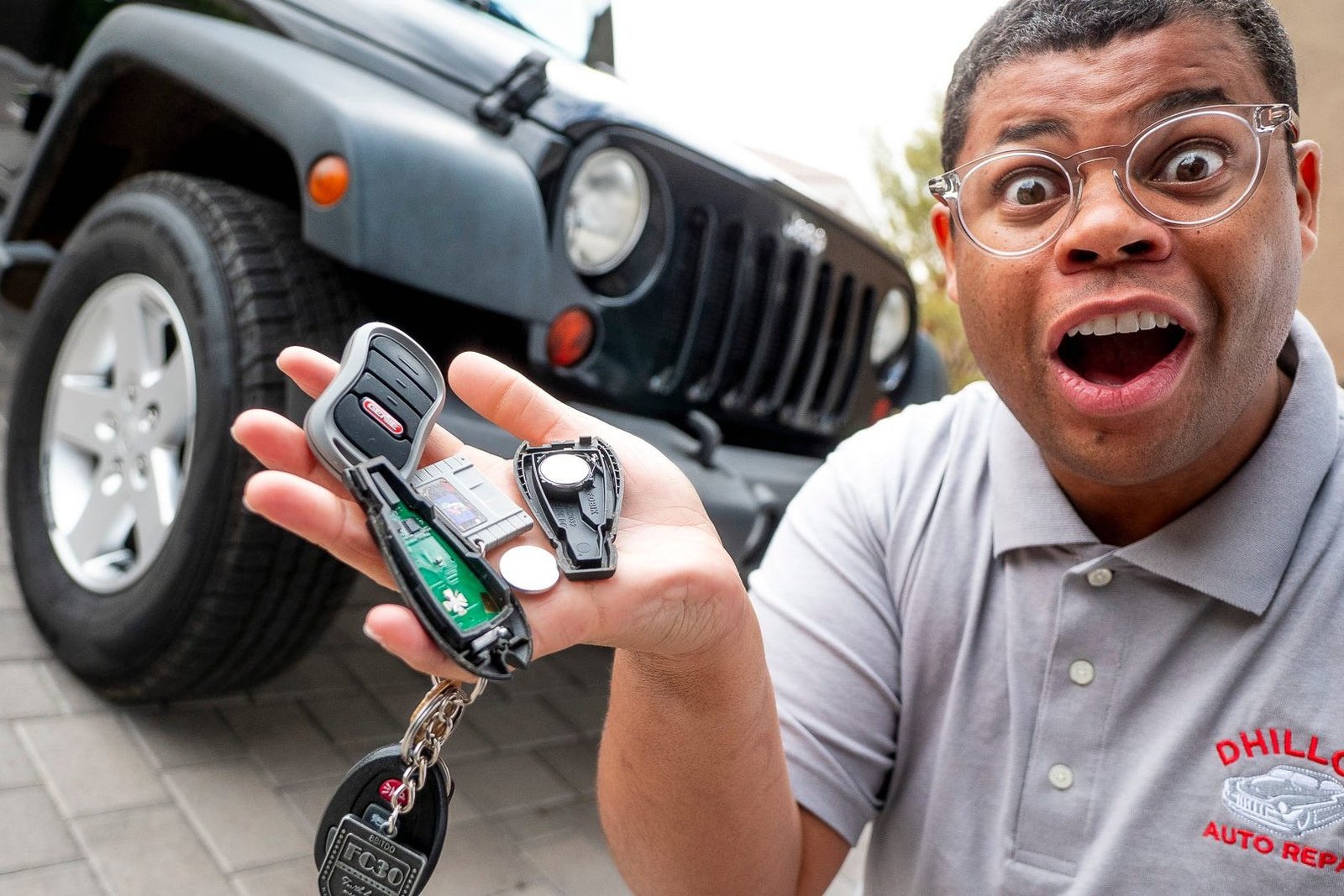


Wallet. Cell phone. Car keys. That’s the mental checklist many of us go through before we leave the house.
But don’t you hate it when you approach your car, click the unlock button and nothing happens? Regardless of how many times you press the button or smack the key fob against the palm of your hand, the doors won’t unlock.
Of course, all hope is not lost because this usually just means the battery in your key fob has died and needs to be replaced. There’s no need for a trip to the dealership to do it, as it’s surprisingly quick and easy to change the battery yourself.
Battery for a Key Fob
The most common type of battery used in key fobs is CR2032, according to Battery Plus. While it’s the most common, it’s not the only type. Others include:
- CR2450.
- CR2025.
- CR1616.
- CR2016.
The good news? The battery in your key fob will have a number printed on the top, which will inform you of the type of battery you’ll need to buy to replace it. These batteries are available for purchase anywhere you buy batteries.
How to Replace Your Car Key Battery
Most key fobs have a little slot you can use to pop them open with a small flathead screwdriver, a butter knife or another key.
To replace the battery:
- Find the notch on the fob. Some fobs may require you to remove the interior key first.
- Gently pop the two halves apart.
- Remove the old battery, and replace it with a new one. Pay attention to the orientation of the battery before you remove it, so you can put the new one in correctly.
- Snap the halves of the fob back together.
- Test it to see if it works.
This process also works with other small devices, such as garage door openers.
Make sure to properly dispose of the old battery when you’re done.
Oh, and while you’re at it, rub your keys with a disinfecting wipe before you put them away. They’re probably overdue for a good cleaning.
Read the full article here